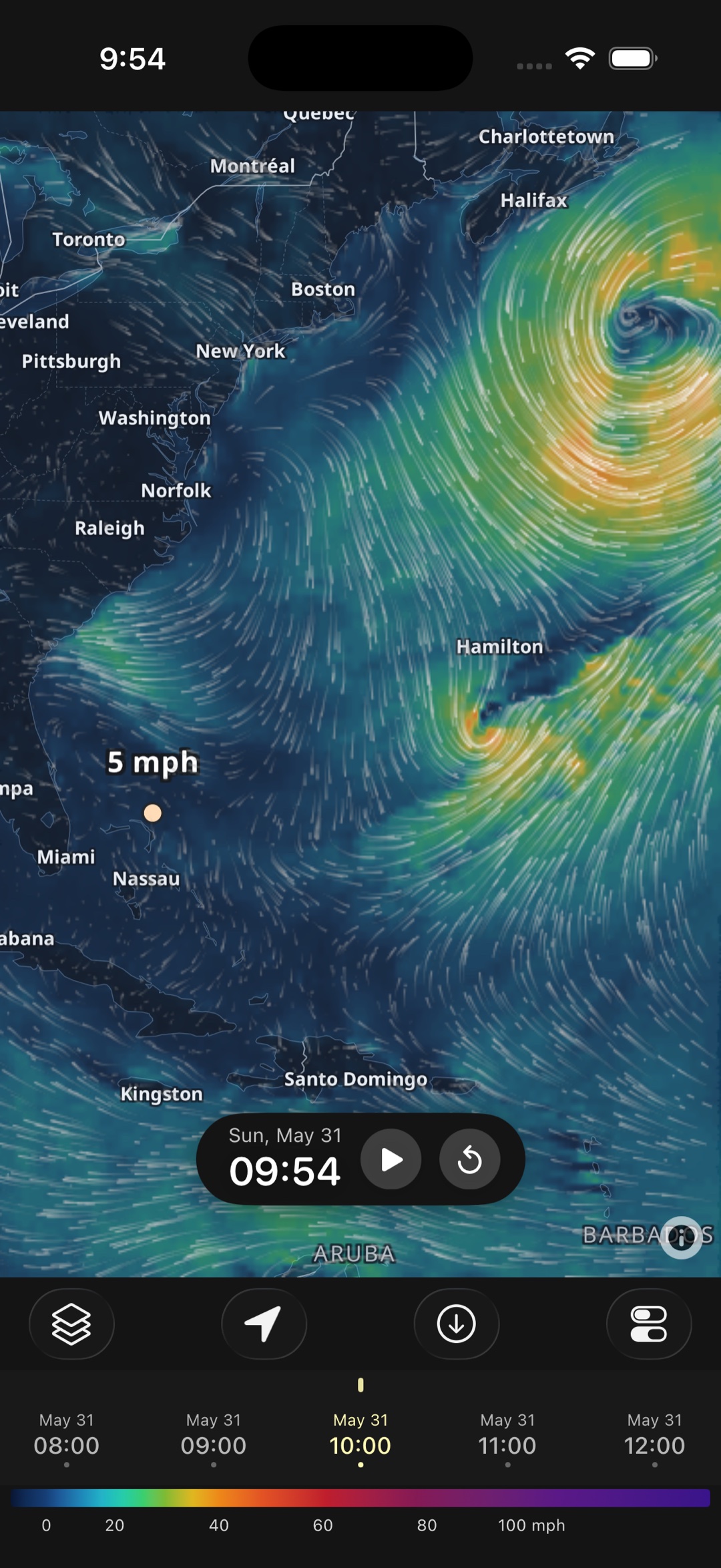
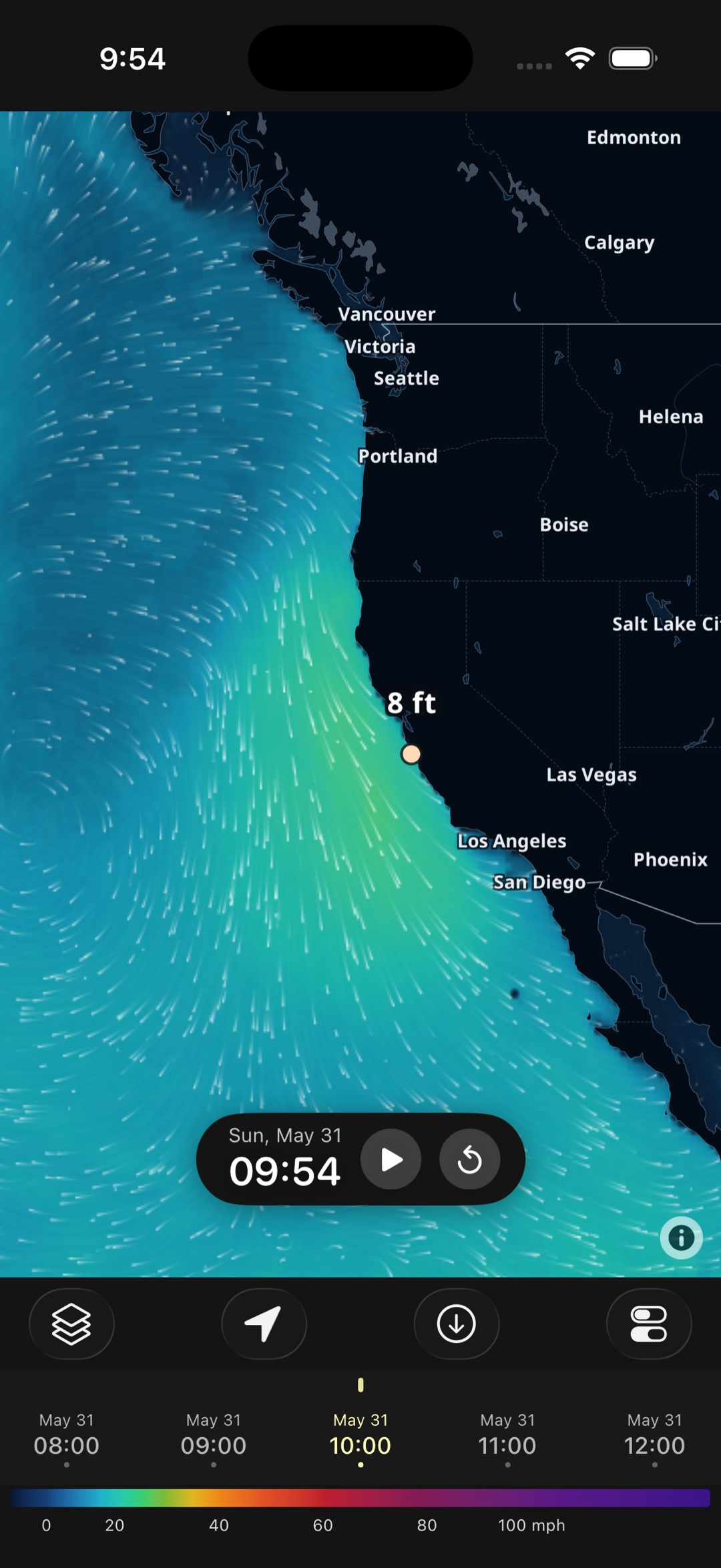
Tired of scrolling spot tables and dodging ads just to check the wind? WindTrac is the Windfinder alternative worth switching to — one beautiful animated map of wind, waves, and rain you read at a glance, powered by top forecast models, with no ads, no account, and full offline downloads. Free on iOS and Android.
One clean, animated map instead of spot-by-spot tables — wind and waves you read at a glance, plus full offline downloads.
Windfinder is a long-standing favorite with a vast spot database and statistics — but if what you actually want is to open one clean animated map and instantly see what the wind and water are doing, ad-free and offline, WindTrac is the better everyday app. Here's an honest side-by-side.
| WindTrac | Windfinder | |
|---|---|---|
| Focus | One animated map you read at a glance | Spot-based forecasts & statistics |
| Animated wind streamlines | Yes — the core of the app | Forecast tables first; map secondary |
| Core layers | Wind, waves, precipitation | Wind, gusts, waves, tide, weather |
| Spot database & webcams | Map-first; save your own locations | Large spot database, stats & webcams |
| Forecast models | GFS, ICON-EU, ECMWF AIFS & IFS HRES, GFS-Wave, ECMWF Wave — per layer | GFS, ICON & ECMWF-based (Superforecast on premium) |
| Full offline downloads | Yes — region + forecast (Pro) | Primarily online |
| Ads | None | On the free tier |
| Account required | No | Optional (for favorites) |
| Platforms | Native iOS & Android | Web, iOS, Android |
| Price | Free; optional Pro (7-day trial) | Free with ads; Plus subscription |
Comparison based on publicly available information and intended as a fair, factual overview; details may change. “Windfinder” is a trademark of its respective owner. WindTrac is an independent app and is not affiliated with, endorsed by, or sponsored by Windfinder.
The three reasons we hear most from people coming from spot-forecast apps.
One clean, animated map instead of scrolling tables spot by spot. Open it and the wind is just… there, flowing across the whole coast.
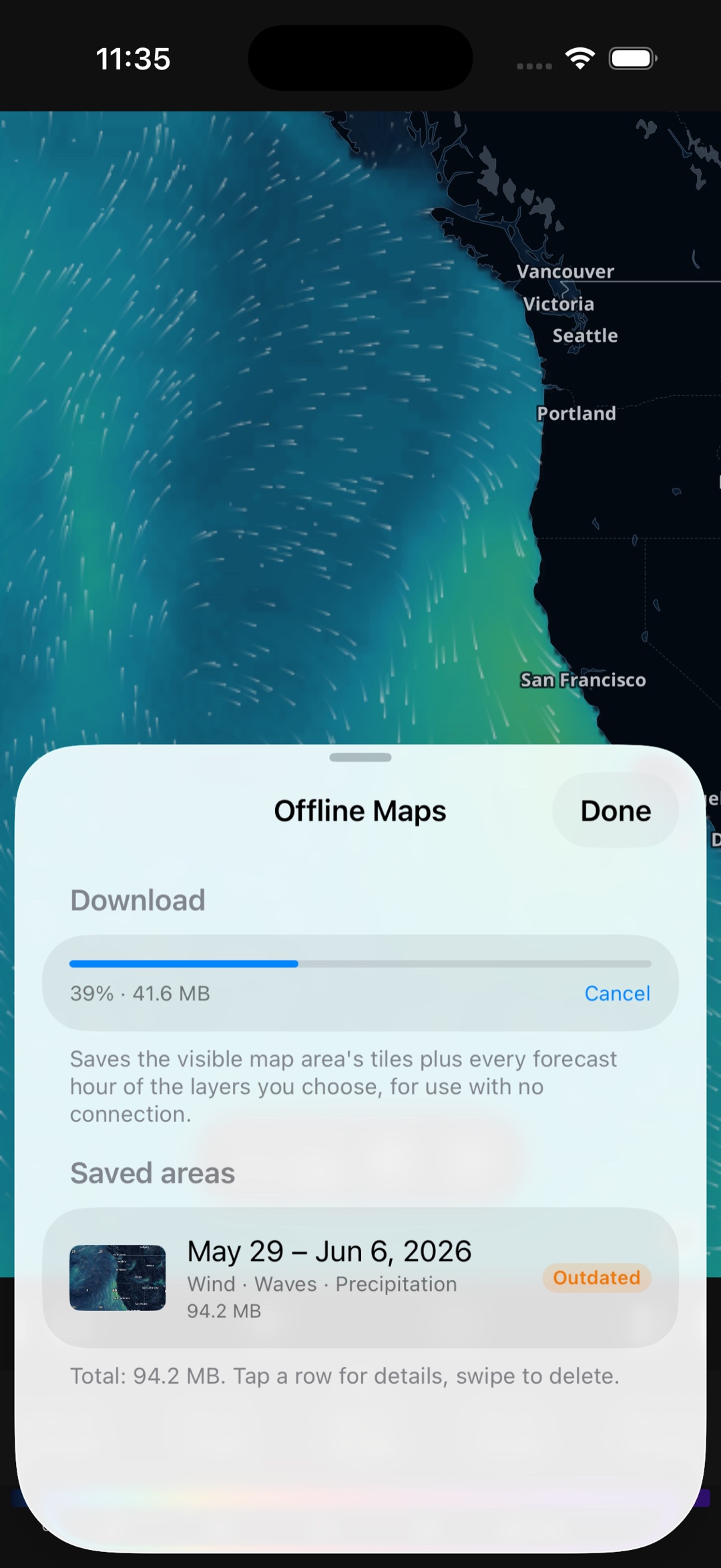
Download a region and its full forecast and keep the animation, layers, and timeline running offline — on the water or out at the spot.
The full map, every layer and model, and 72-hour forecasts are free with no ads and no sign-up. Pro is optional.
If you want to read conditions off one beautiful animated map rather than scrolling spot forecast tables, yes. WindTrac shows wind, gusts, waves, wave period, precipitation, cloud and temperature as flowing streamlines and heatmaps you take in at a glance, with no ads and no account. It uses the same class of models as Windfinder — NOAA GFS, DWD ICON-EU, and ECMWF (including the AIFS AI model) — and adds full offline downloads. Windfinder's strength is its huge spot database, statistics, and webcams; WindTrac trades that for a cleaner, ad-free, map-first experience.
WindTrac is map-first rather than spot-first: instead of a catalog of named spots, you pan and zoom anywhere on an animated forecast map and tap any point to read exact values. You can save your own locations for quick access. If you rely on Windfinder's spot statistics and webcams, those are things WindTrac does not include.
Yes. With WindTrac Pro you can download a region and its full forecast — wind, waves, and the basemap — and the animated map, layers, and timeline keep working with no connection at all. That's useful on the water, on the beach with patchy signal, or anywhere coverage drops.
The full interactive map, all layers and forecast models, timeline playback, and forecasts up to 72 hours are free, with no ads and no account. WindTrac Pro is an optional subscription (monthly or yearly, each with a 7-day free trial) that unlocks offline maps and forecasts beyond 72 hours.